FPS-Tool By Chrislep
A downloadable asset pack
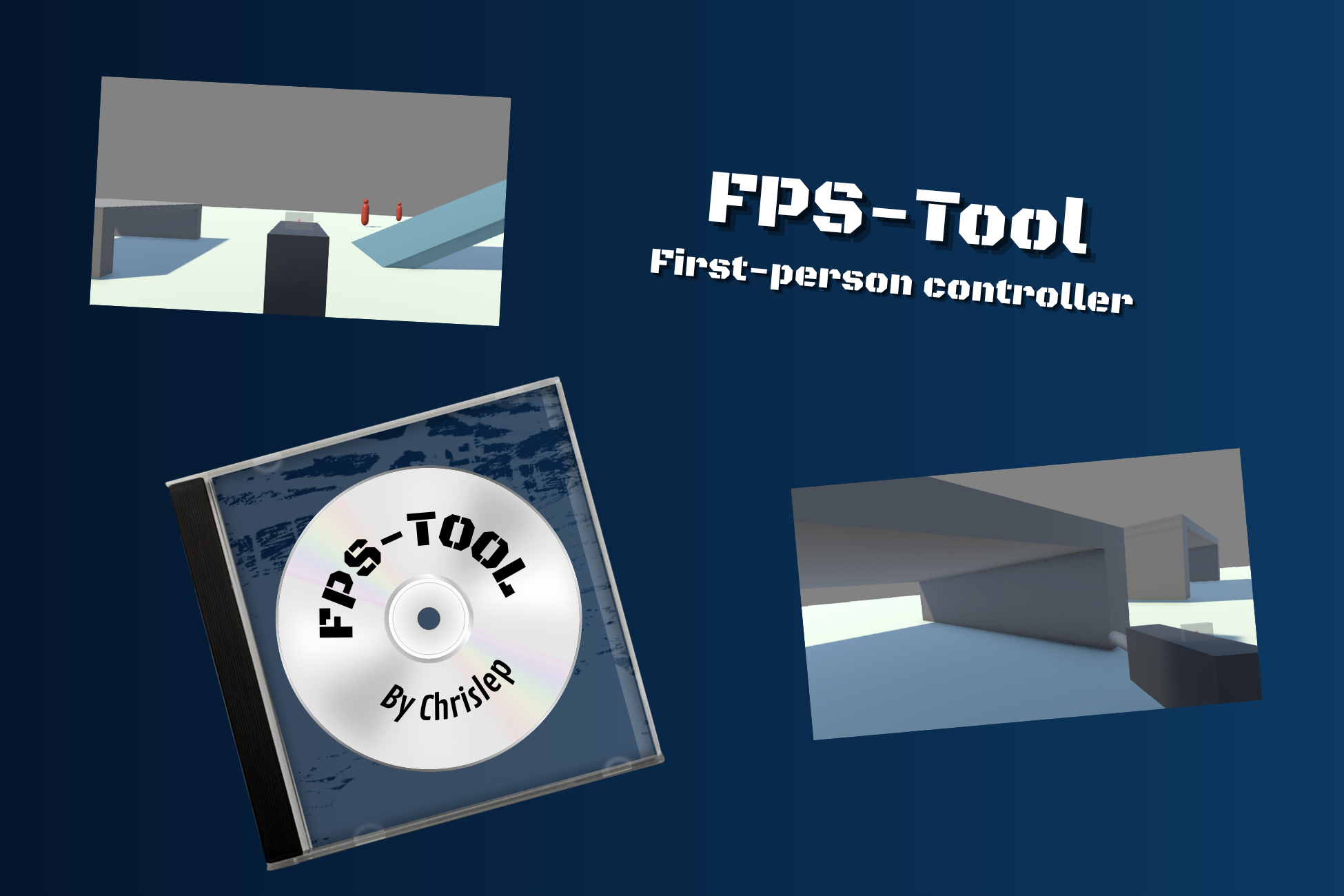
A first person controller for Unity 6. Free, and staying free.
FPS-Tool handles everything the player character does: walking, running, tactical sprinting, jumping, crouching, going prone, sliding, diving, holding and firing weapons, taking damage, and dying.
One component, one inspector. Add it, press Setup Player, press Play. That is the whole setup.
The inspector does the explaining
This is the part I care most about. Most controllers hand you a wall of fields and wish you luck. This one tells you when something is wrong, in plain words, and usually offers a button that fixes it.
- Empty ground layer mask? It says so.
- Prone height your capsule physically cannot reach? It tells you the limit.
- Safe fall distance below your jump height? It warns you before you get hurt jumping.
- Animator parameter missing from your controller? Named in the console, once, not every frame.
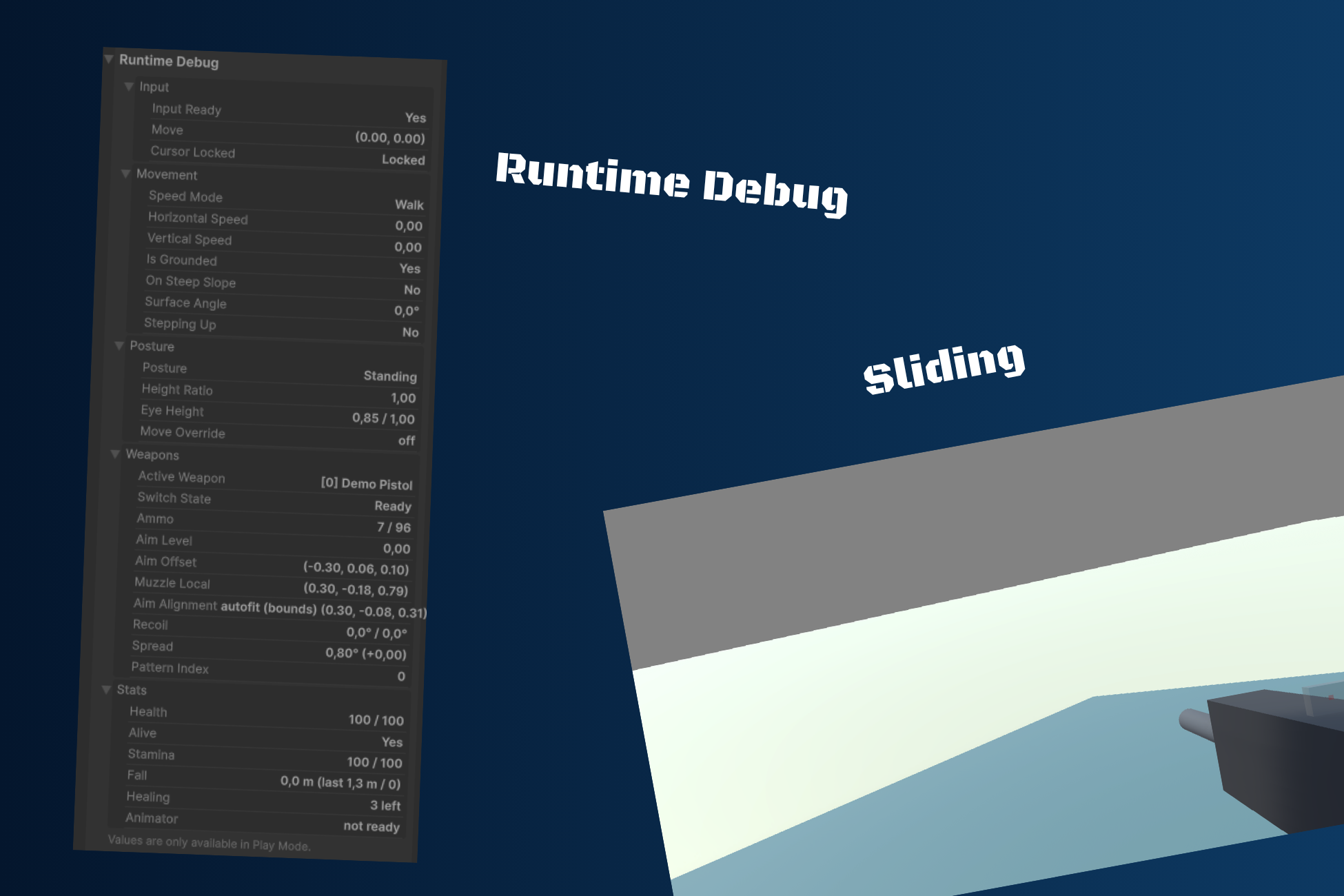
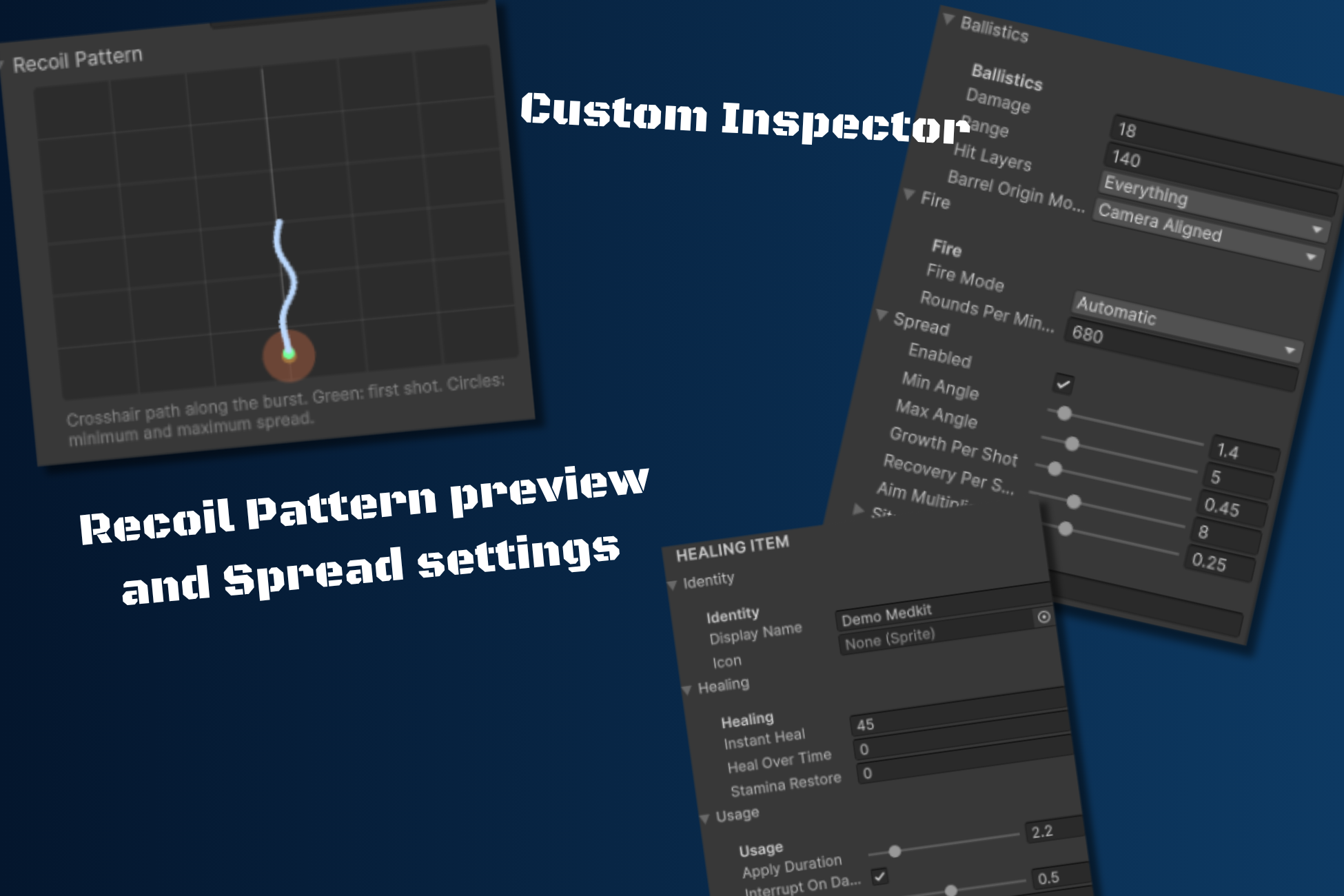
The recoil pattern editor draws the crosshair path live while you drag the curve handles, so you design a spray pattern without entering play mode. The runtime debug panel shows every value the controller is working with, grouped by system.
Movement
Walk, run and tactical sprint with configurable speeds, acceleration and air control. Each run mode decides which directions it allows, and separate multipliers slow you down moving backwards or sideways, so running backwards is never as fast as running forward.
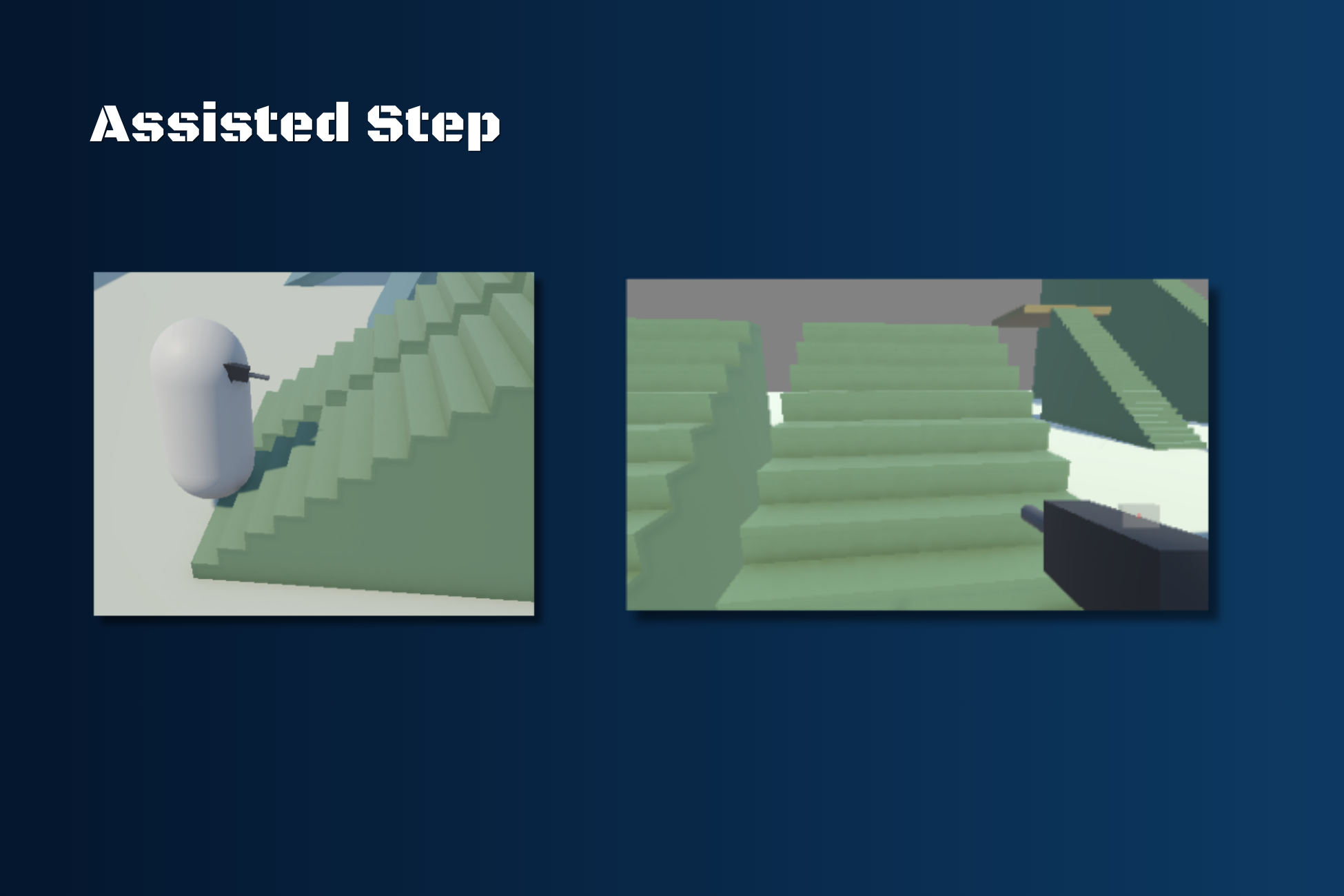
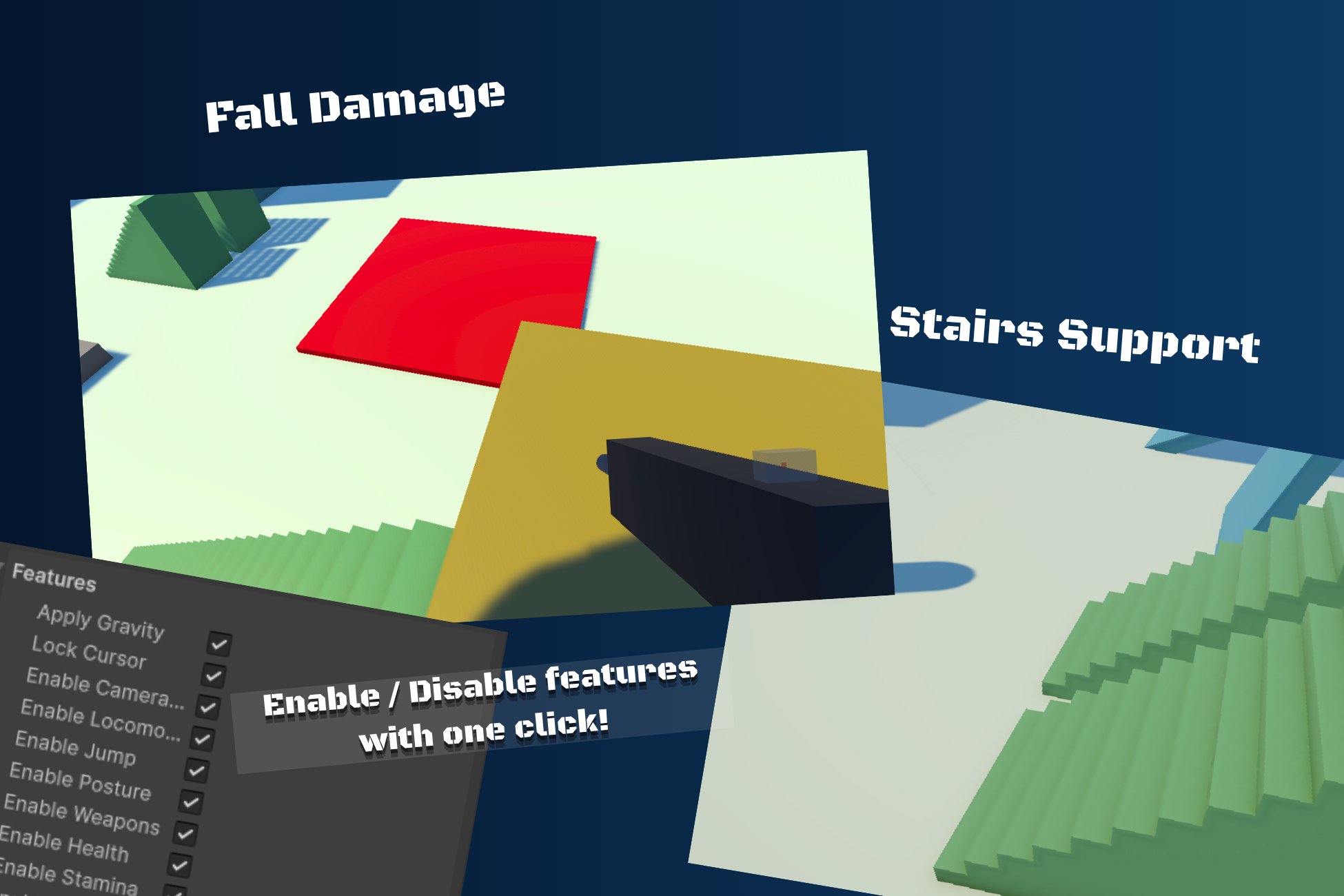
Slopes keep your speed on the way up and slide you down anything too steep. Step assist handles stairs and kerbs. Coyote time and jump buffering are in.
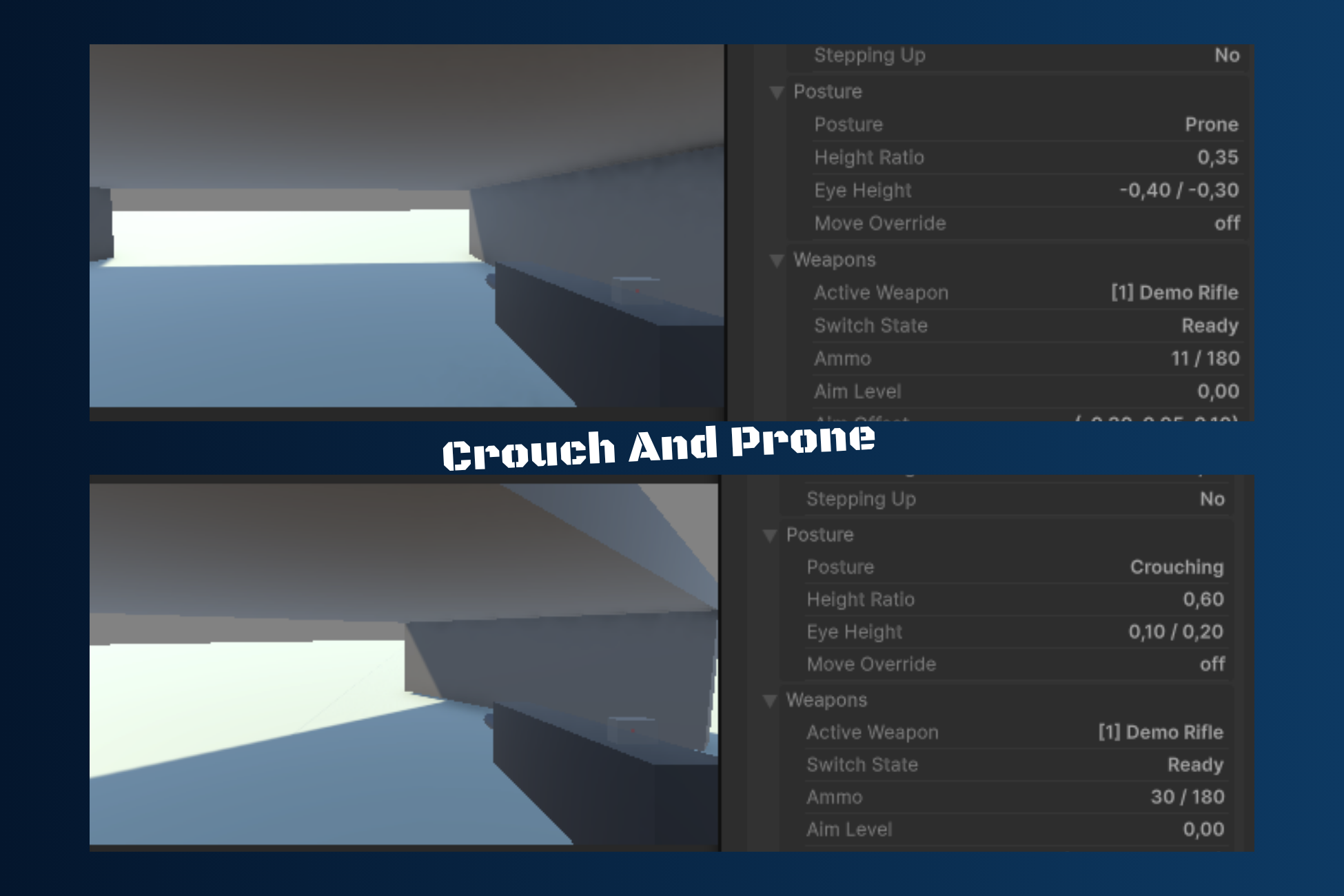
Crouch and prone resize the capsule smoothly, with a ceiling check that keeps you down when there is no room to stand. Slide reacts to slope and can be steered. Dive is a real leap with a recovery on landing.
Weapons
Three slots by default, weapons defined as reusable assets. Single, burst and automatic fire. Spread that grows under sustained fire and widens while moving, sprinting or airborne. Pellet counts for shotguns.
Recoil follows a pattern you draw with two curves, so bursts are repeatable instead of random. And compensating with the mouse works the way players expect: your correction is never undone by the automatic recovery.
Aiming places the weapon from its actual mesh bounds, so it lands centred under the crosshair without you tuning offsets. Weapons with real iron sights can align to a sight transform instead.
Health, stamina and damage
Health with regeneration and three death behaviours: freeze in place, drop to the ground, or free flying spectator with a body left behind.
Stamina with a cost per action. A cost of zero means that action is free, so you decide what should be tiring. Recovery is faster while still, crouched or prone.
Damage runs on one interface, IDamageable. Hitboxes with per zone multipliers, damage zones for lava or spikes, fall damage measured in metres. The tool never decides whether damage should apply: every damage event carries its source, so friendly fire and team rules stay your logic.
Animator ready
No animations included, but nineteen parameters written to an Animator you provide, including local space values for 2D blend trees. Every parameter name is editable, so the tool adapts to the controller you already have instead of forcing you to rebuild it.
What you get
- A demo scene with a movement course, targets, a damage zone and fall damage platforms
- Three placeholder weapons showing where the muzzle and sight transforms belong
- Full offline documentation, in HTML and Markdown
- Commented, readable C# source. Nothing obfuscated, nothing locked
What you do not get
No animations, no models, no sounds, no particles, no icons, no HUD, no enemies. FPS-Tool is the movement and combat layer underneath your game, not the game itself.
It is also single player only. There is no networking layer. Every limitation is listed in the documentation, before you download it rather than after.
Requirements
- Unity 6.0 or newer
- The Input System package, with Active Input Handling set to Input System or Both
- uGUI, only for the two optional UI components
License, and a small ask
FPS-Tool is free and will stay free. Use it in personal or commercial projects, modify it, ship it. No royalties, no revenue limits.
If it saved you time and you can afford it, a donation of any amount helps me keep making free tools. Only if you think it is worth it, and only if you actually can.
Credit is not required, but appreciated:
FPS-Tool by Chrislep - https://chrislep.itch.io/
And if you make something with it, tag me or come say hello on Discord. Projects get featured on the showcase, so other people can find your work.
Download
Install instructions
How to install:
1. Download the file "FPS-Tool_By_Chrislep.unitypackage" in this page
2. Open a 3D Unity project
3. Click on "Assets" > "Import Package" > "Custom Package..."
4. Find the file you just downloaded and then double click it
5. Make sure everything is checked
6. Click "Import"
That's it! :D
You will see the file in the "Assets" folder > "FPS-Tool"
How to Setup:
1. Create a 3D Capsule
2. Select the object
3. Watch the Inspector > click on "Add Component" > FPS-Tool > FPS-Tool Core > Expand the component > Click the button "Setup Player" > Expand the component "Capsule Collider" > Set "Radius" to "0.3"
Technical Details:
- Unity 6.0 or newer.
- Requires the Input System package. Active Input Handling must be set to "Input System Package" or "Both".
- Render pipeline: the tool contains no shaders or materials and works in any pipeline. The demo scene materials are authored for URP.
- The optional UI components require uGUI and are excluded automatically when it is not installed.
- Documentation: included offline in HTML and Markdown.
- Single player only. No networking layer is included.
- No animations, models, audio, particles or icons are included.
Leave a comment
Log in with itch.io to leave a comment.