AeroFrame Studio
A downloadable tool
AeroFrame Studio is a free Windows app for pixel art, comics and frame-by-frame animation, wrapped in a glossy Frutiger Aero look: sky gradients, glass panels and aqua highlights.
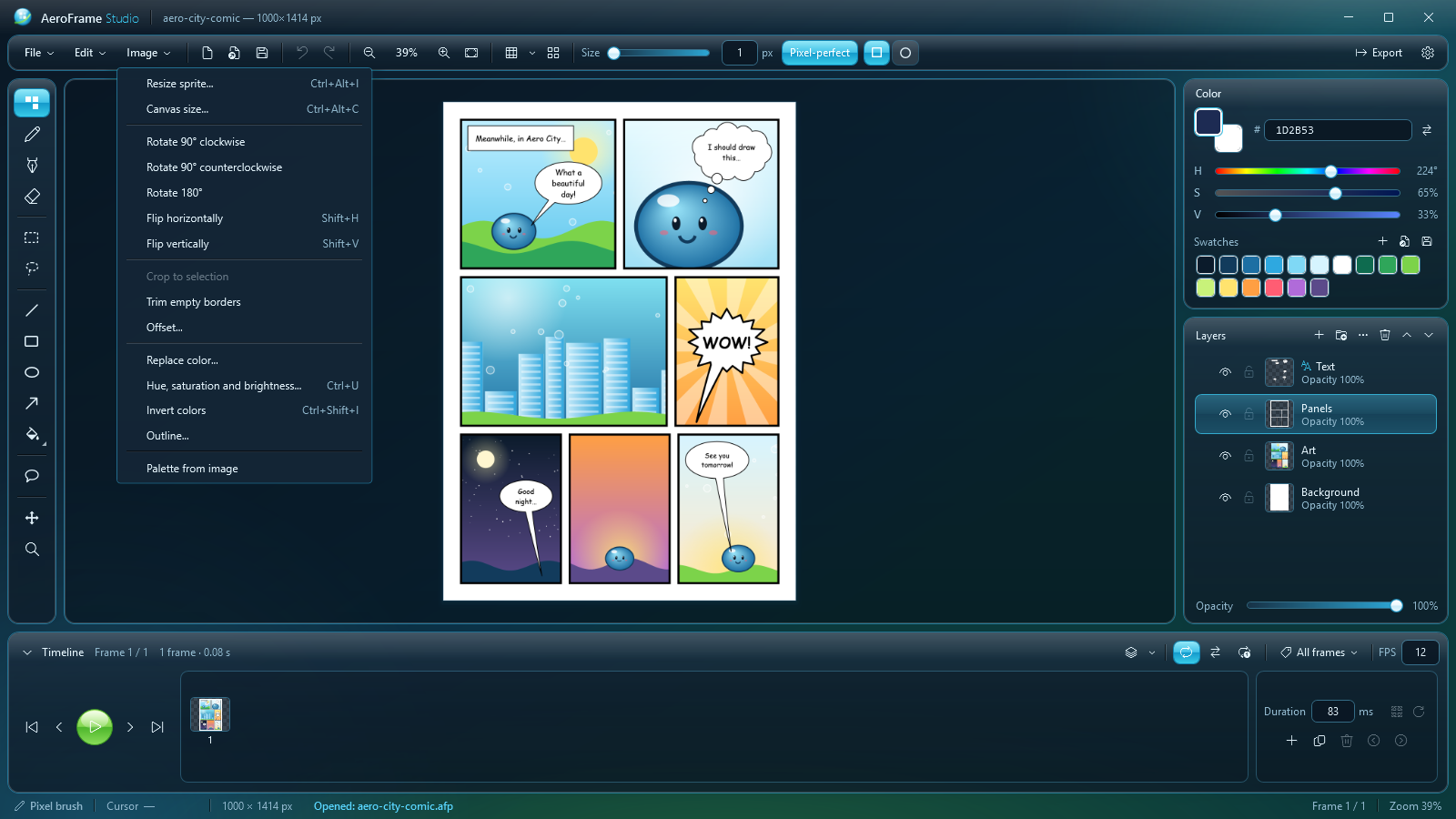
Draw a sprite, animate it with onion skinning and tags, letter a comic page with real speech balloons, and export a GIF or a sprite sheet for your game. It's one portable .exe: no installer, no account, no internet connection. It even opens your Aseprite files.
🎨 Drawing
- Pixel brush with true pixel-perfect lines, square or round tip
- Pencil: light, semi-transparent and layerable, with a subtle paper grain
- Pen: clean, even anti-aliased strokes
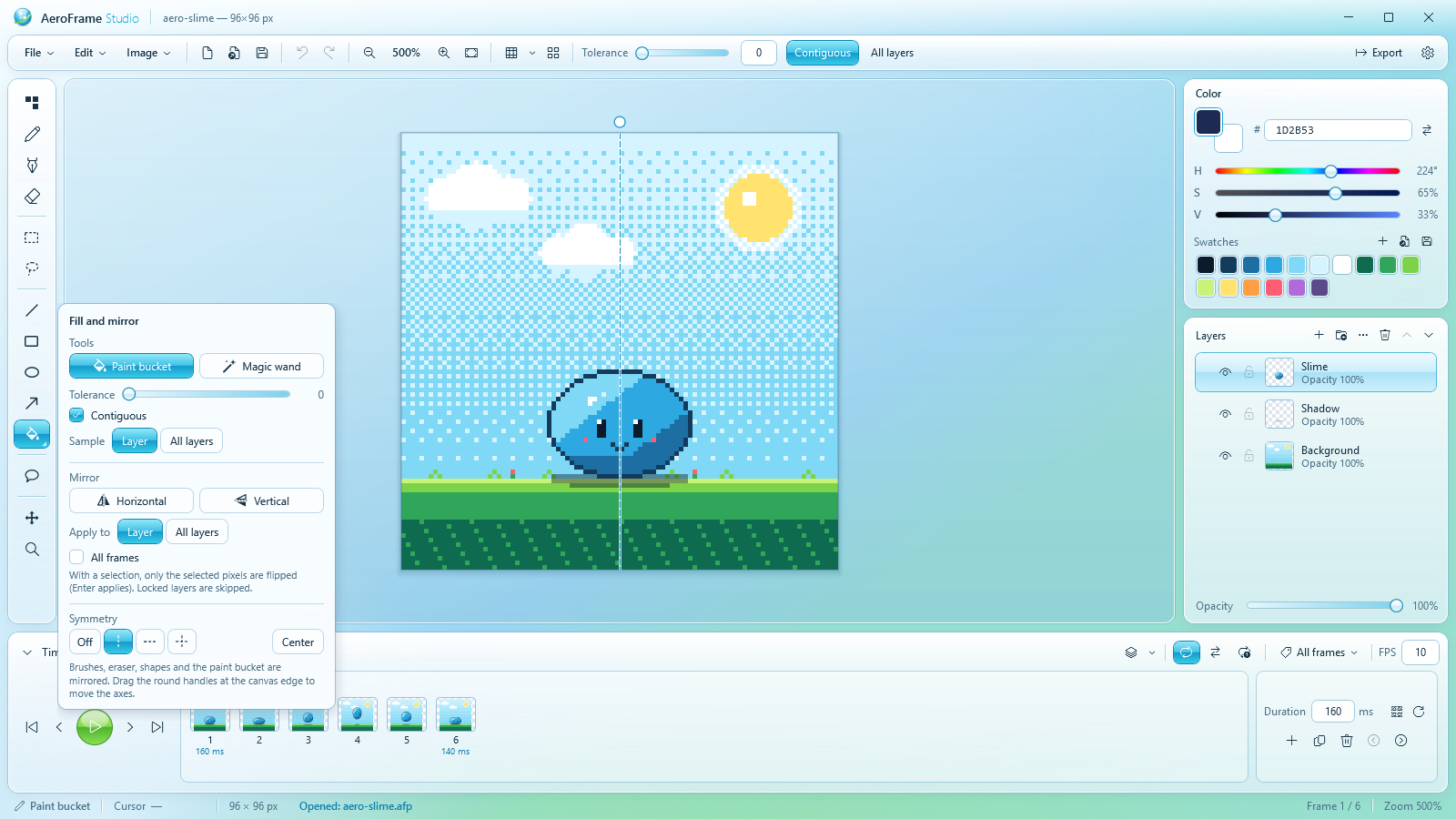
- Eraser, paint bucket and magic wand with tolerance
- Shapes: line, rectangle, ellipse and arrow, as outline, filled or both
- Symmetry drawing on a vertical axis, a horizontal one or both, with draggable axes
- Rectangle, lasso and magic-wand selection (Shift adds, Alt subtracts): move, scale, rotate and flip with on-canvas handles
- Cut, copy and paste, including images from other apps
- Eyedropper, 200-step undo/redo, adjustable grid, zoom from 5% to 6400%
🎞️ Animation
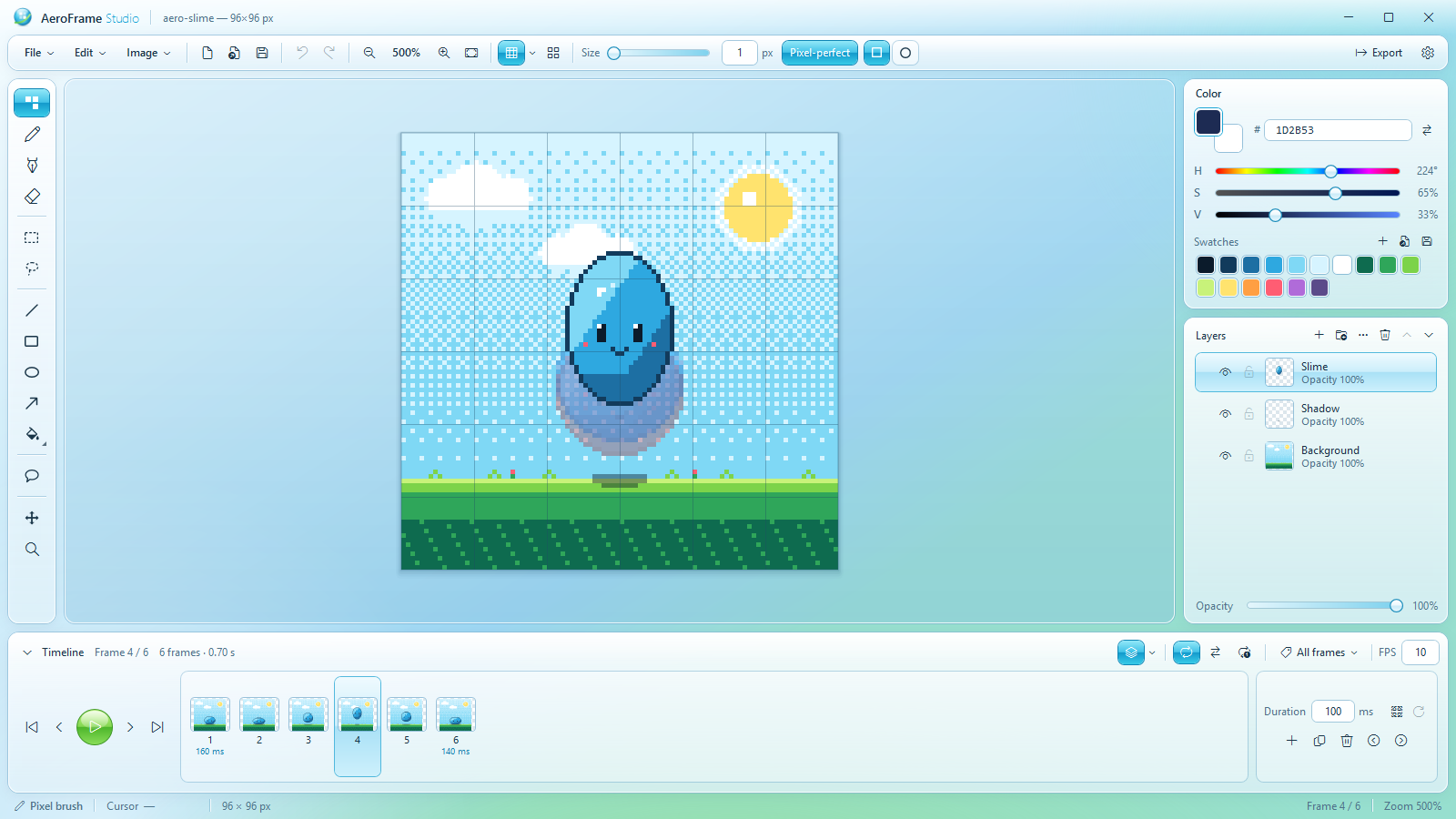
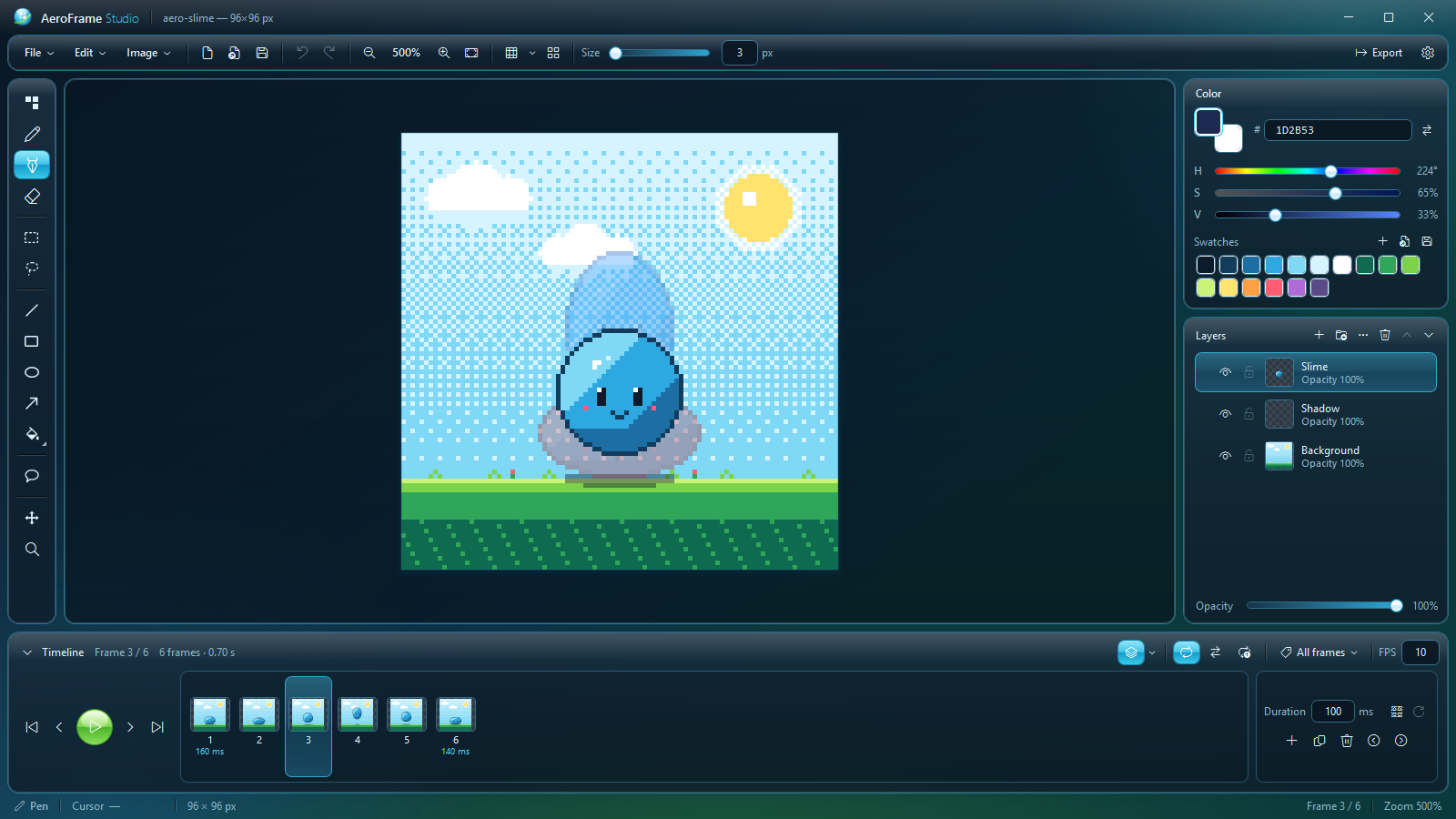
- Frame-by-frame timeline with live thumbnails and drag-to-reorder
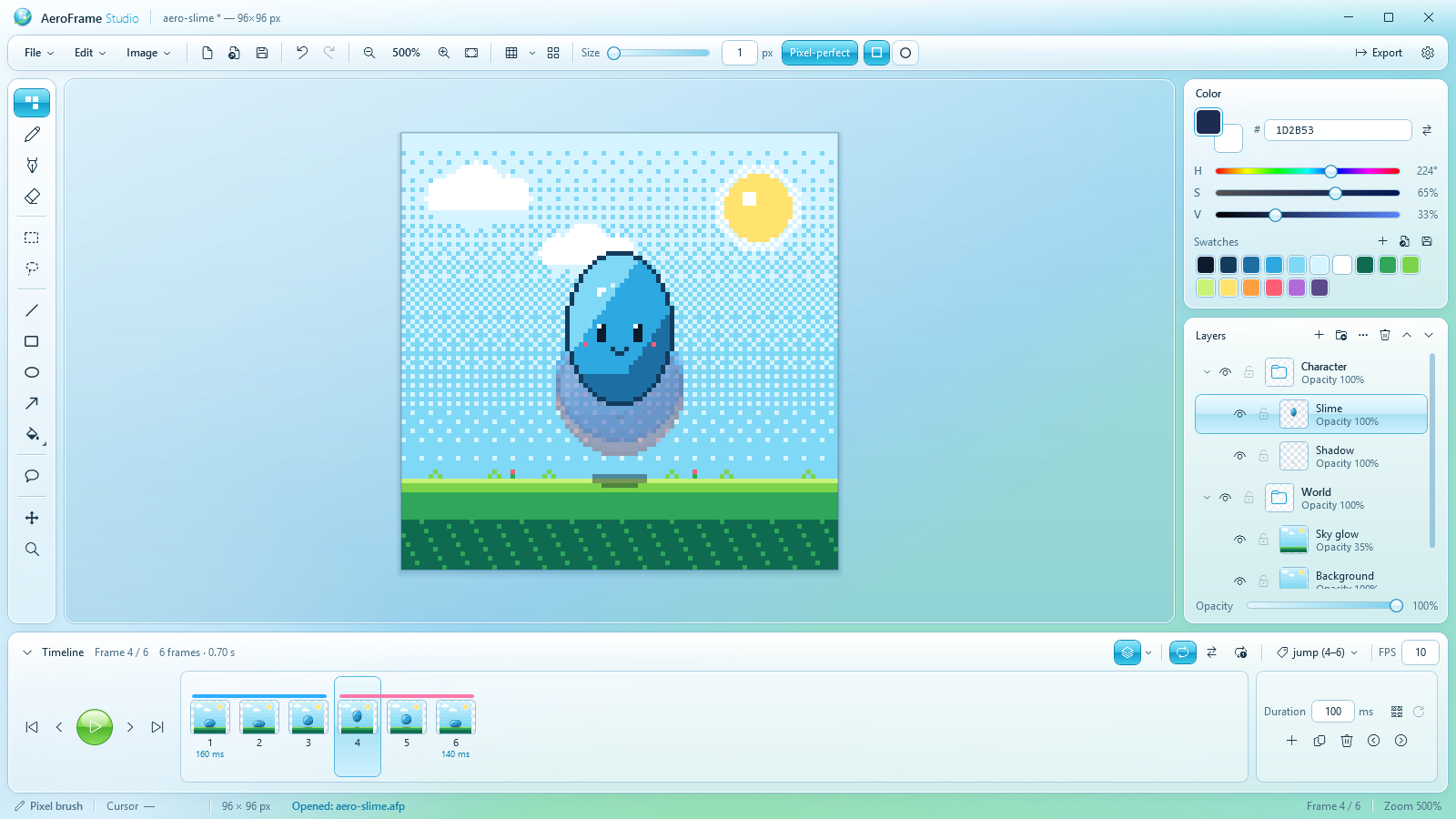
- Onion skinning: previous frames in red, next frames in blue
- Per-frame timing in milliseconds on top of a global FPS
- Tags ("walk", "jump"...) shown as colored bars; play one tag forward, reverse or ping-pong
- Playback modes: Loop, Ping-pong, Once
💬 Comics
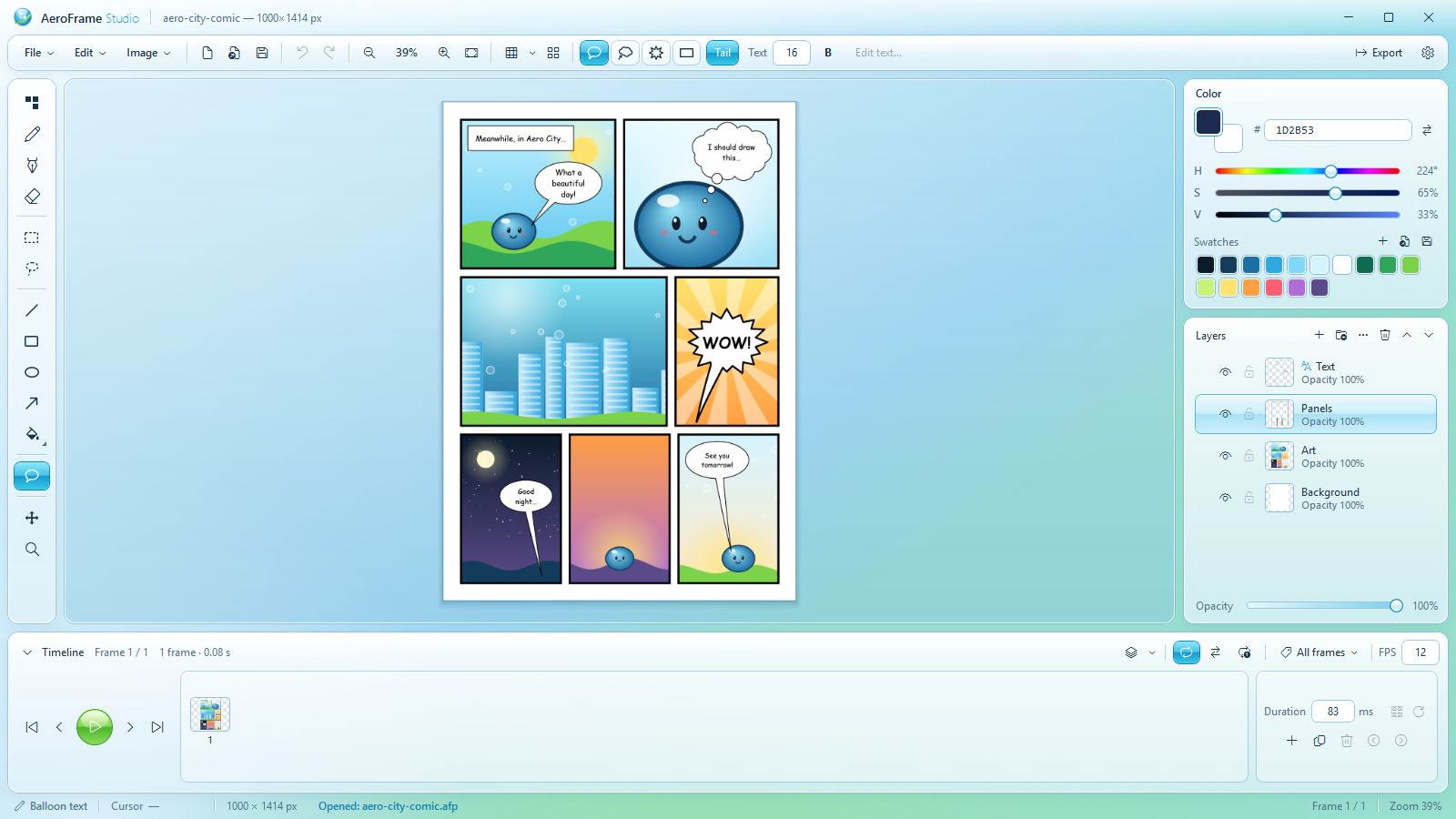
- Vector speech balloons: speech, thought, shout and caption, always editable
- 10 comic panel layouts with adjustable margins, gutters and borders
- A4 comic page preset
🎮 Game dev
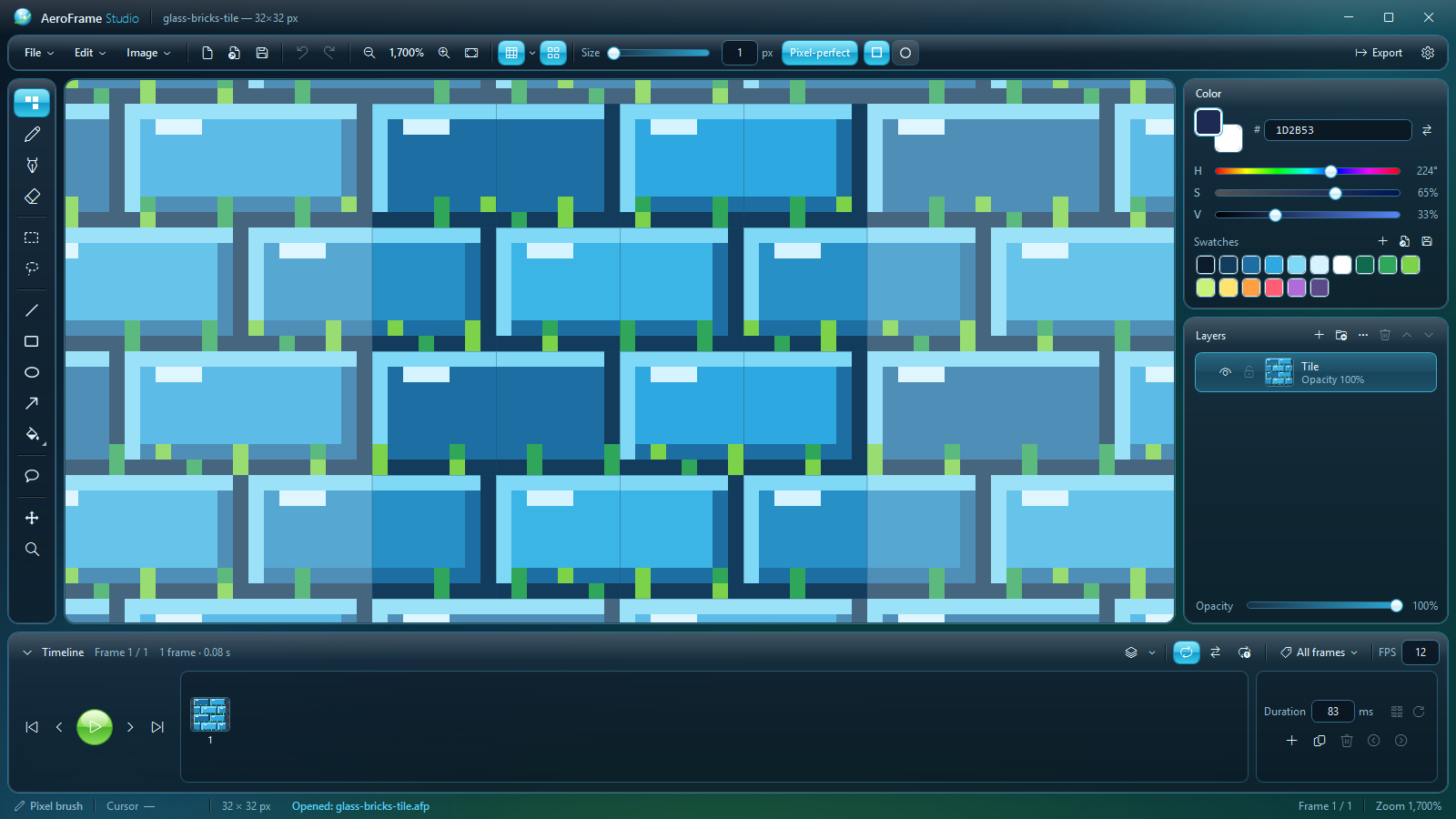
- Seamless tile preview and wrap-around offset: see your texture repeat while you paint
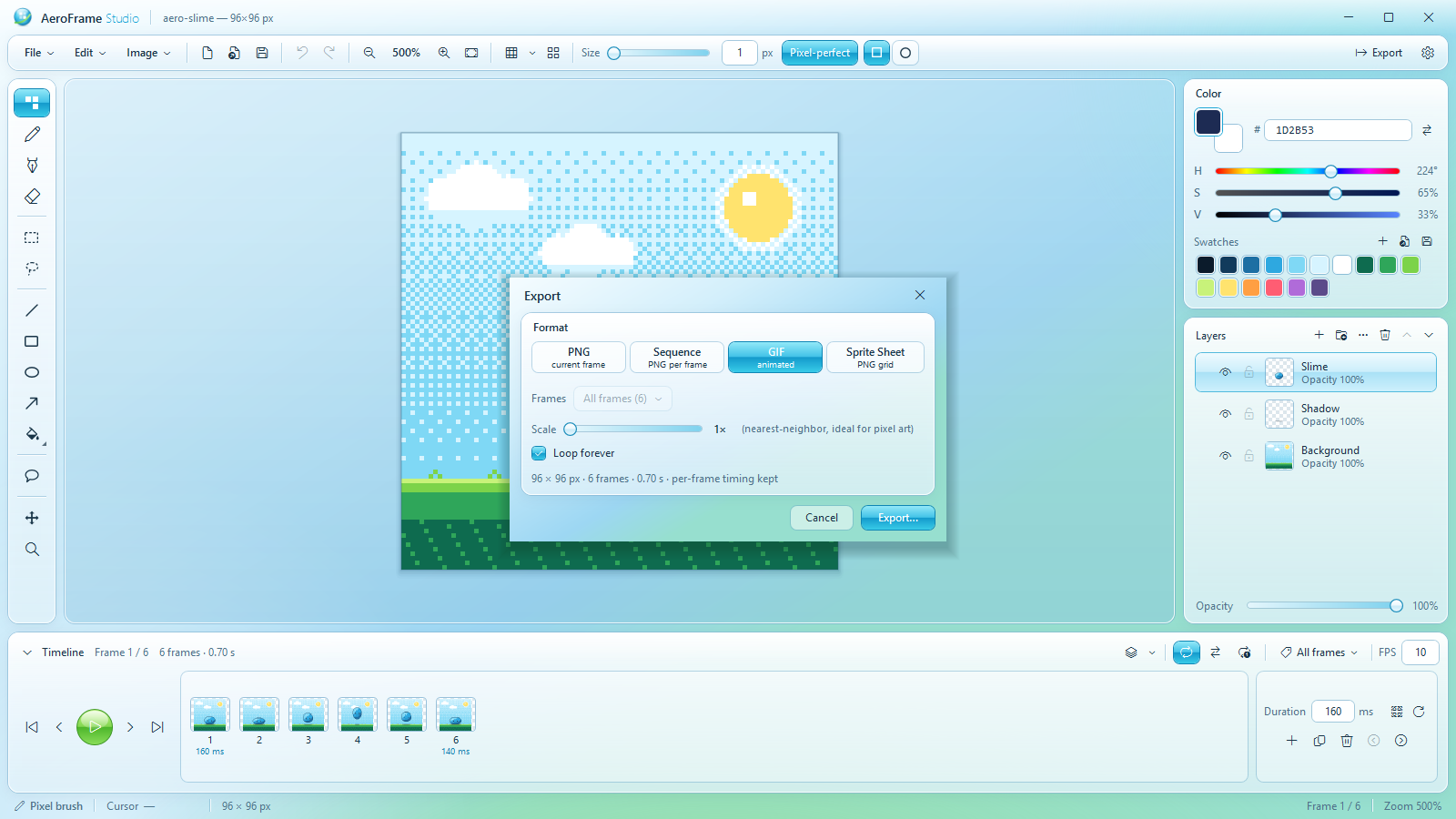
- Export to PNG, PNG sequence, animated GIF and sprite sheet, all frames or one tag
- Sprite-sheet JSON in the Aseprite layout (array or hash, with frameTags) that Godot, Unity and Phaser importers read
- Import sprite sheets back into frames, including packed and trimmed sheets with a JSON
- Nearest-neighbor scaling up to 10× for crisp pixel art
- Palettes: import and export GIMP .gpl, JSON and .hex, or take one from your image
🤖 Works with Claude (optional)
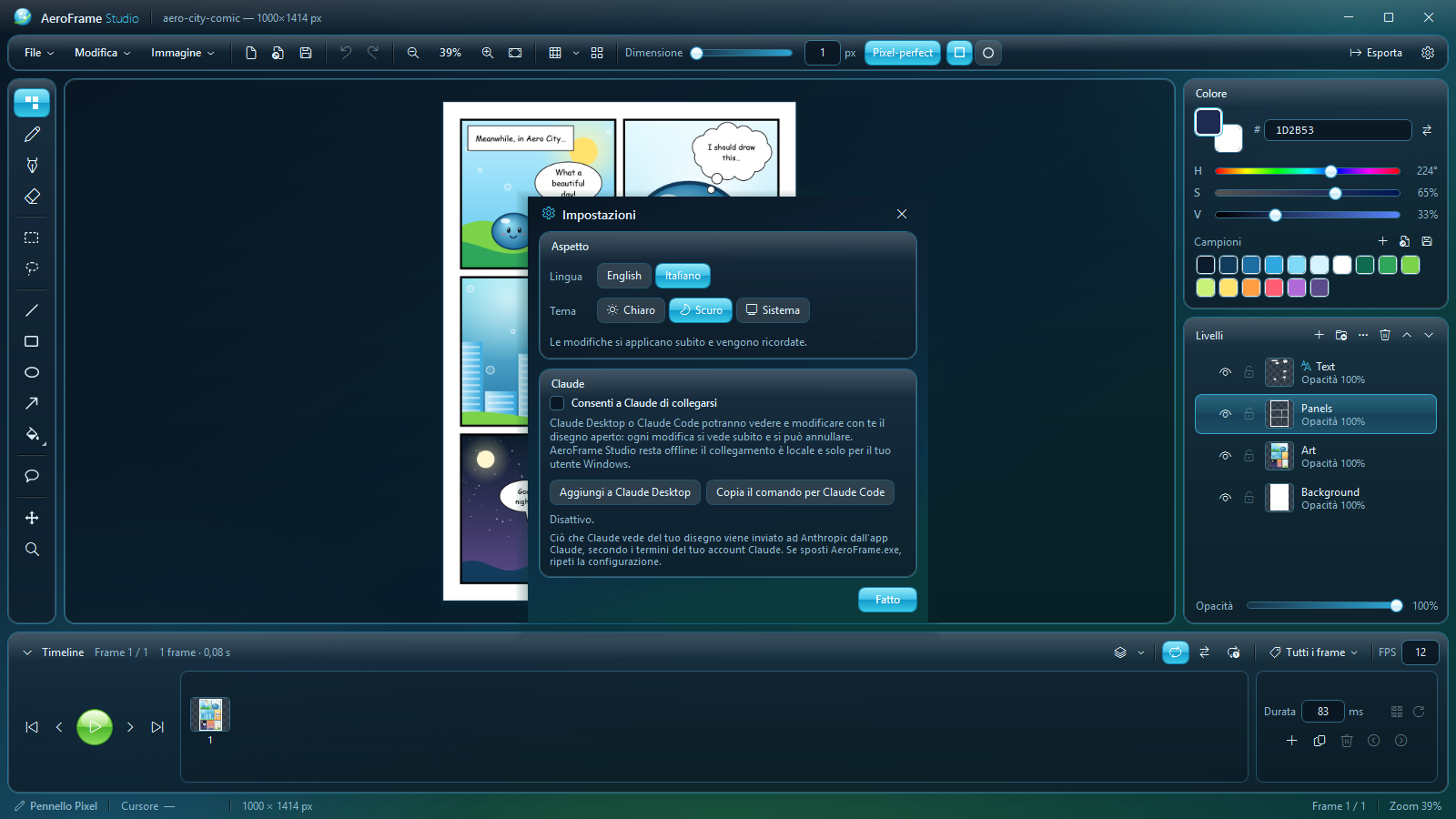
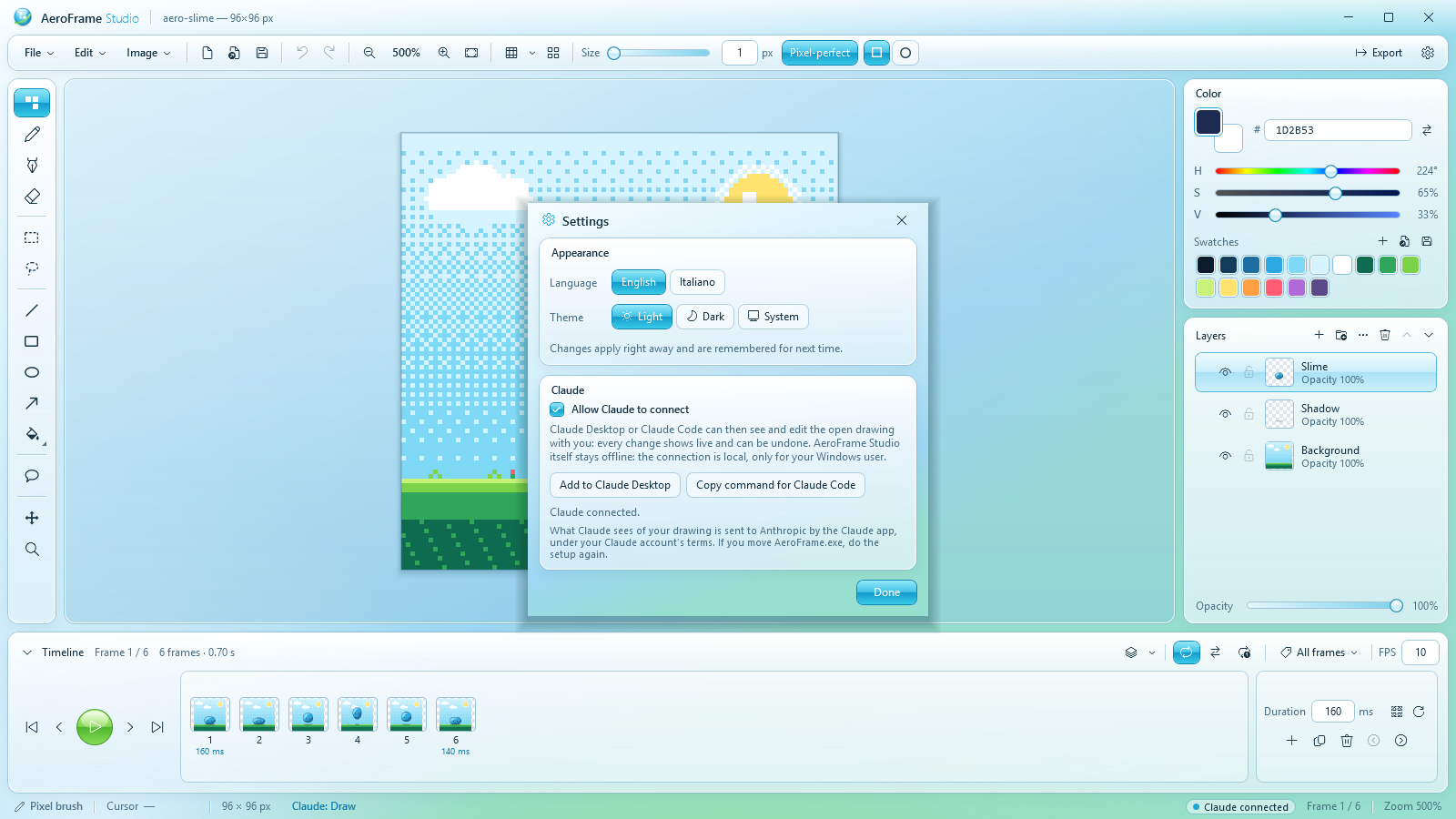
- Turn on "Allow Claude to connect" in Settings and add AeroFrame Studio to Claude Desktop or Claude Code with one click
- Ask in words: "make a 4-frame idle animation", "recolor the hero at sunset", "letter this page with this dialogue"
- Claude sees the canvas and edits it while you watch; every request is one undo step
- Off by default. The connection is local and only for your Windows user; the app itself never goes online
✨ Comfort
- Light and dark themes, or follow Windows
- English and Italian interface
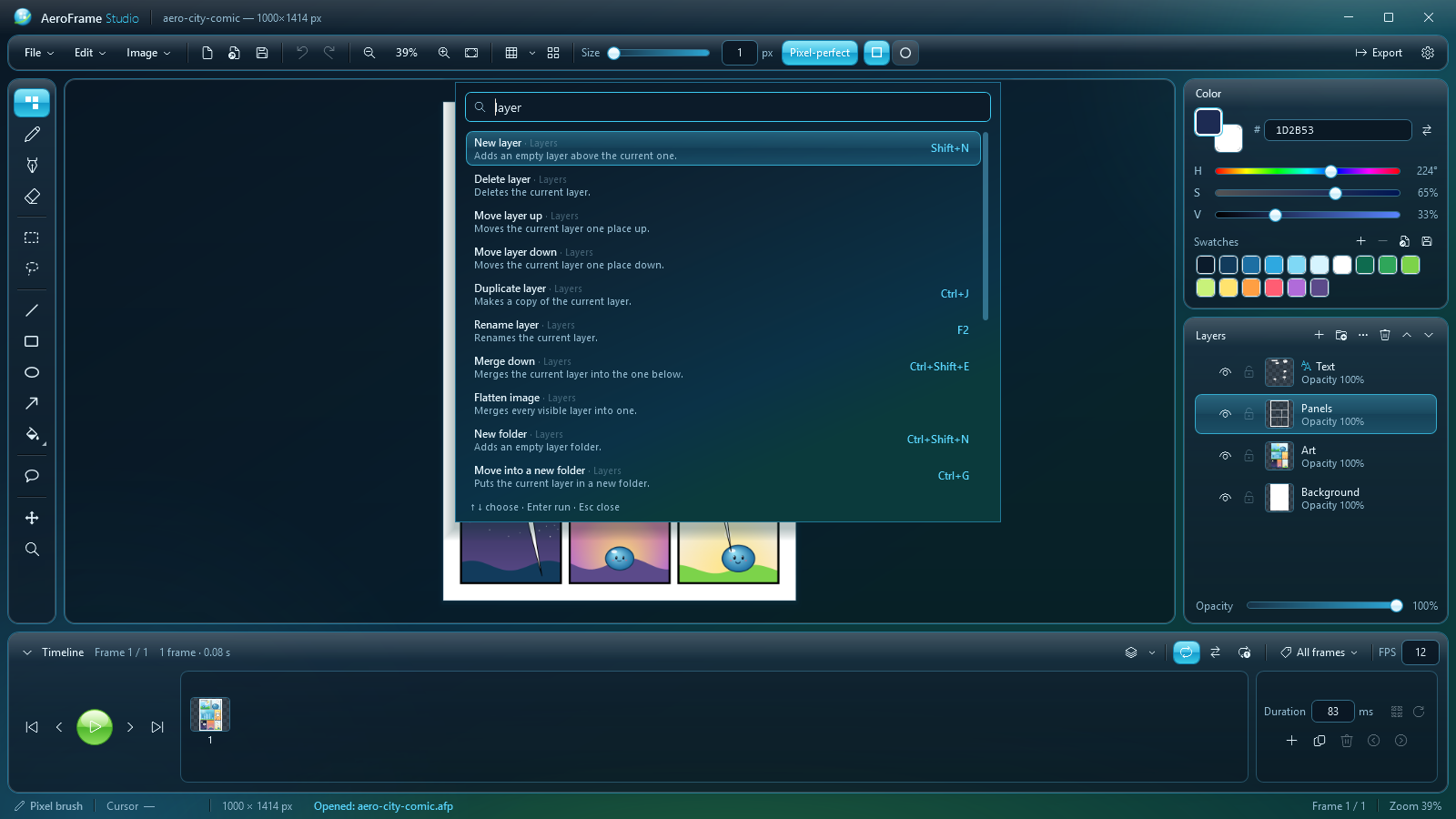
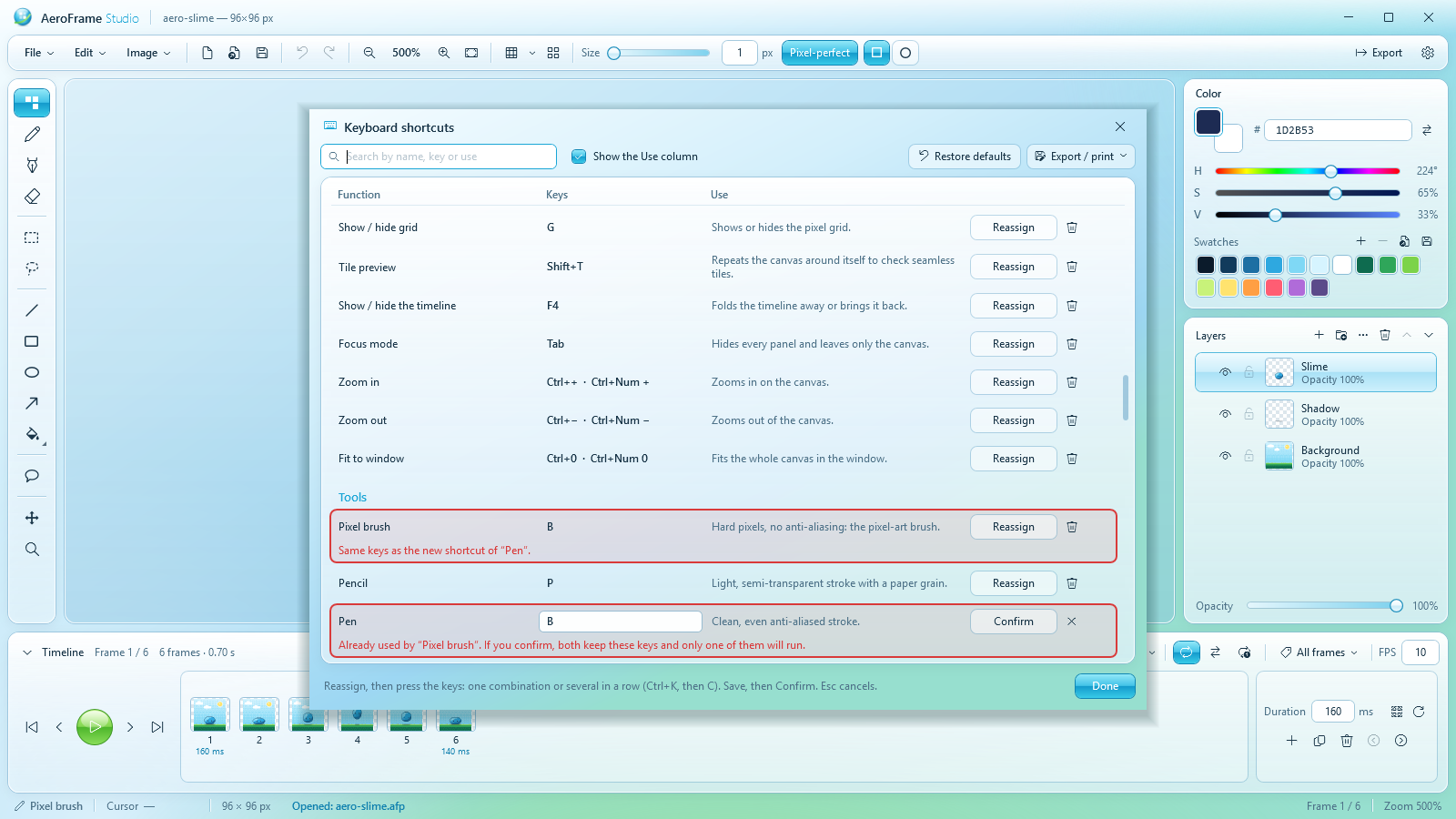
- Customizable keyboard shortcuts and a command palette to find any function by name
- Layers and folders with visibility, lock, opacity, rename and thumbnails
- Reference layers to draw over photos or sketches, never exported
- Project files (.afp) that keep every layer, folder, frame, timing, tag and balloon
- Autosave every two minutes, and a restore offer if the app ever closes unexpectedly
- Drag and drop projects and images onto the window
⌨️ Handy shortcuts
- Tools: B pixel brush · P pencil · N pen · E eraser · F paint bucket · W magic wand · M select · Q lasso · T balloon
- View: G grid · F3 onion skin · F4 timeline · Tab focus mode · Shift+T tile preview
- Edit: Shift+H / Shift+V flip · Ctrl+Z / Ctrl+Y undo/redo
- Layers and frames: Shift+N new layer · Ctrl+J duplicate layer · Alt+N new frame · Alt+D duplicate frame · Enter play
- Everything else: F1 all shortcuts (and change them) · Ctrl+Shift+P command palette · Ctrl+I import image · Ctrl+E export
🔒 Privacy: AeroFrame Studio works completely offline and collects no data. The optional Claude connector only talks to the Claude app on your own computer; what Claude sees is handled by the Claude app under your Claude account's terms.
📜 AeroFrame Studio is free and is distributed only on this page. Please don't re-upload it anywhere else. Share the link to this page instead. Everything you create with it is yours, for personal and commercial use. Full terms and credits are in the download and under About → Credits & terms.
Aseprite is a product of Igara Studio and Claude a product of Anthropic. AeroFrame Studio is not affiliated with either.
Made by chrislep · Version 2.1.0
Download
Install instructions
▶️ How to run
- Download AeroFrame_Studio_2.1.0_win-x64.zip and unzip it anywhere (Desktop, Documents, a USB stick…).
- Open the AeroFrame Studio folder and double-click AeroFrame.exe.
- If Windows SmartScreen shows "Windows protected your PC", click More info → Run anyway. This is normal for new indie apps that are not code-signed.
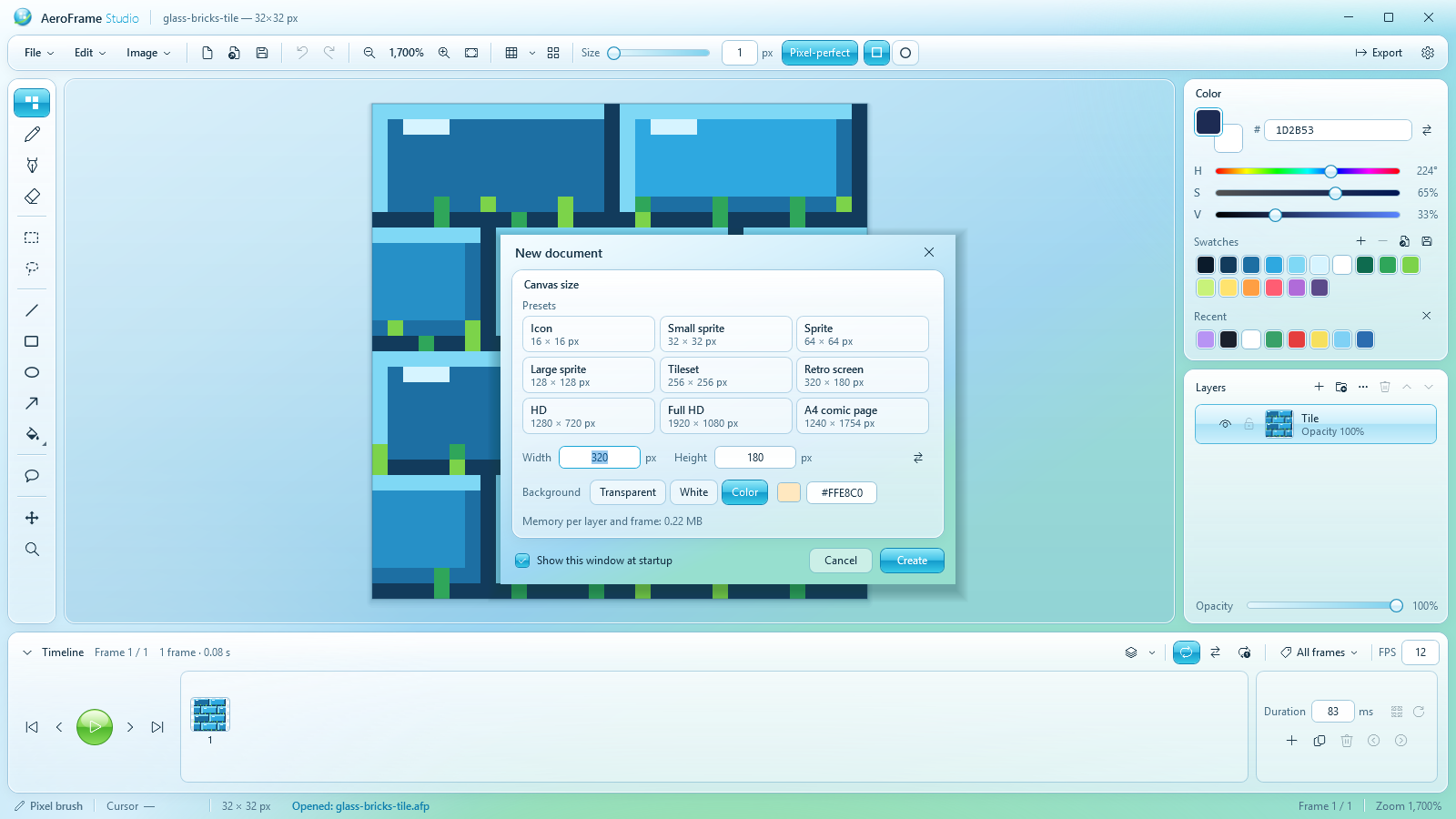
- Choose the canvas size and background in the New document window, or cancel it and open one of the samples.
There is nothing to install: the whole app is that single file. Press F1 to see every keyboard shortcut.
📦 What's in the download
- AeroFrame.exe: the whole app in a single file
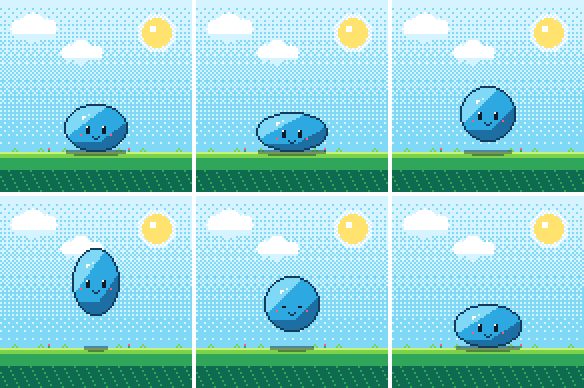
- samples: three example projects (animated slime, comic page, seamless tile)
- README.md (how to use it), TERMS.md and CREDITS.md
💻 Requirements
- Windows 10 or 11, 64-bit
- About 65 MB of disk space. Nothing else to install, no internet connection needed.
- Only for the optional Claude connector: Claude Desktop or Claude Code
🔄 Updating from an older version
- Unzip the new version and use the new AeroFrame.exe; you can delete the old folder.
- Your projects open as they are. Projects saved by 2.x use a newer format (folders and tags), so open them with 2.x.
- Settings, recent files, recent colors and custom shortcuts are kept: they live in your user folder, not next to the app.
- If you use the Claude connector and the new exe is in a different place, click Add to Claude Desktop (or copy the Claude Code command) again in Settings.
🤖 Optional: connect Claude
- Open Settings (Ctrl+,) and turn on Allow Claude to connect.
- Click Add to Claude Desktop and restart Claude Desktop, or Copy command for Claude Code and run it in a terminal.
- Ask Claude, for example: "In AeroFrame, make a 4-frame idle animation of the slime".
🧹 Uninstall
Delete the AeroFrame Studio folder. To remove the settings too, delete %APPDATA%\AeroFrame Studio and %LOCALAPPDATA%\AeroFrame Studio. If you turned on File → Open .afp files with AeroFrame Studio, turn it off from the same menu first.
Development log

Comments
Log in with itch.io to leave a comment.
i really liked the style of the app, also it has a lot of features, like the comic layout or the claude connector, which personally i haven't ever seen anywhere else. I also tried making some animations and i really liked them. The only thing i would suggest is to make some tutorials on youtube maybe to understand the app faster, even if it is already easy
ty so much! :D i will consider making some tutorial in future
I love this app! I feel comfortable creating in it. A couple of interesting suggestions would be the ability to create folders for layers and the option to hide the timeline.
ty!! <3 I'll add those features soon :D
Hi, now both are in AeroFrame Studio 2.0, i put in the layer folders, now you can fold away the timeline with the arrow or with F4. There's also a focus mode on Tab :)
Absolutely impressive! The elegance of this lightweight program can truly compete with the big players out there.